Copying data
Information moves from email or a document into a spreadsheet, CRM, ERP or accounting system by hand.

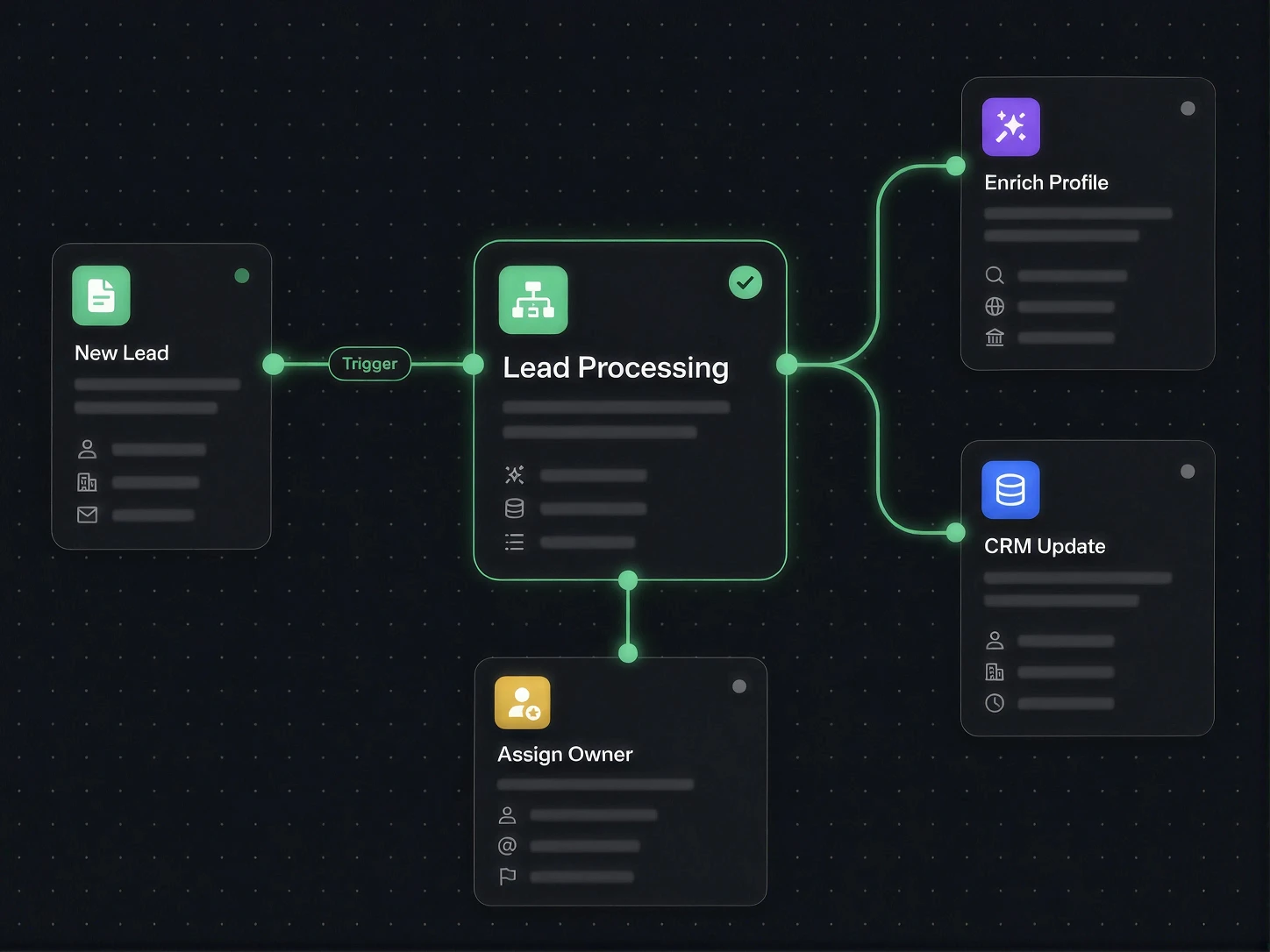
We automate repeatable processes that currently depend on inboxes, spreadsheets, copying data and internal follow-up. Your existing tools remain in place while information is collected, checked, routed and recorded automatically.
Documents · Data entry · Approvals · Notifications · System updates
Built with leading
AI technologies
Built with leading
AI technologies



Most businesses already have the software they need. The operational drag appears when people must bridge those tools manually.
Information moves from email or a document into a spreadsheet, CRM, ERP or accounting system by hand.
A process pauses because the next person does not know an action is waiting.
Teams validate the same fields repeatedly because there is no consistent rule or source of truth.
Routine cases and genuine exceptions enter the same queue and receive the same manual treatment.
01
Requests move immediately instead of waiting for the next manual touchpoint.
02
Validation rules and structured data reduce retyping and inconsistent handling.
03
Every exception has an owner, status and next step.
04
The team can absorb higher volume without adding the same amount of administrative work.
Most businesses do not need more software. They need fewer manual handoffs between customers, teams and the tools they already use.


Data entry, email sending and repetitive actions across systems happen automatically.
Requests are processed and routed automatically, without extra manual work.
Your team can handle more customers and higher enquiry volumes without increasing administrative work.
Read incoming orders and shipment documents, validate required fields and create records in the relevant operational system.
Route order exceptions, update product information, trigger customer communication and coordinate returns.
Collect onboarding documents, identify missing information, classify cases and prepare them for analyst review.
Extract purchase-order and specification data, compare required fields and route approved information into ERP workflows.
Create cases from enquiries, collect documents, assign work and keep customers informed without manual chasing.
Turn form submissions, chats, calls and emails into structured records and follow-up actions.
01
Receive information from forms, email, APIs, documents, chat, voice or internal tools.
02
Turn unstructured text and files into the fields the process requires.
03
Check format, completeness, business rules, duplication and required approvals.
04
Route standard cases automatically and send exceptions to the right person.
05
Create records, update systems, send messages, generate documents or trigger another process.
06
Track status, failures, turnaround and unresolved exceptions.
We connect systems through APIs, webhooks, databases and automation platforms. Custom middleware is used where the workflow needs stronger control, reliability or domain logic than a simple connector can provide.
Suitable for focused workflows with stable connectors and limited custom logic.
Used when reliability, security, volume or business rules require dedicated code.
Applied where the input is unstructured, such as emails, documents, descriptions or conversations.
Combines deterministic rules, AI processing and human approval in one controlled process.
Not every decision should be automated. We separate predictable process steps from decisions that require judgement, authority or specialist review. Human approval can be inserted before a sensitive action, while routine cases continue automatically.
01
Map the current process, volume, systems, edge cases and cost of manual handling.
02
Select the highest-value workflow and define success, ownership and safeguards.
03
Implement a focused automation and test it against real cases.
04
Monitor failures, update rules and extend the process as operations change.
We assess your processes, key bottlenecks and automation opportunities that could create the greatest value for the business.
Free
No commitment. Just a conversation about your business and real automation opportunities.
What's included
Most common starting point
We automate one clearly defined process and test it in real business conditions before rolling the solution out more widely.
Starting from
999 €
We define the final scope of work and project cost after the initial analysis.
What's included
Multi-step agents and workflows designed around your processes, systems and operating requirements.
Starting from
4 999 €
Scoped after a process workshop.
What's included
How to automate repeatable processes across email, documents, CRM, ERP and spreadsheets without replacing the systems that work.
View serviceWhat affects AI automation pricing: process scope, integrations, data, risk, support and pilot definition.
View serviceA practical way to select processes where AI and automation can create the greatest business value.
View serviceWe will map the process, identify the highest-value automation point and define a first pilot that can be measured against the current way of working.
Review a workflow